 Filter Remover
Online Filter Remover or Generator — for Any Photo or Video
Remove a filter you regret, restore one someone sent you, satisfy your curiosity about what's underneath — or add a look you love. Same photos and videos, your call.
Free. No sign-up. Your photos and videos are never stored.
For the Aesthetic: Filters & Restorations
For the aestheticSome people want their photos to feel a certain way — calm, warm, intentional. Same taste, two directions: add the look, or take it back off.

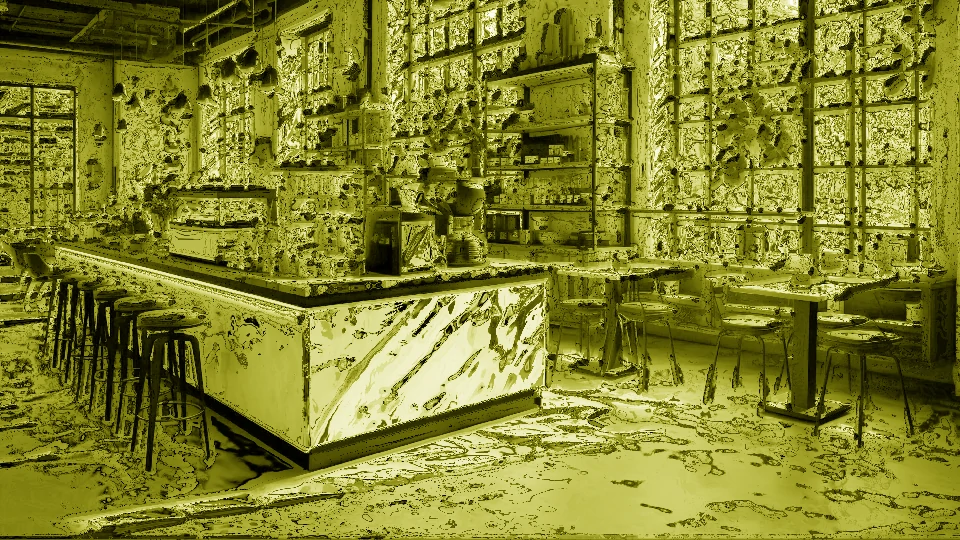
The café fit photo × Matcha.
The milky green wash turns a normal coffee-shop shot into a calm, intentional mood.
The green got heavy, or you've outgrown it — restore the photo to its natural café light.
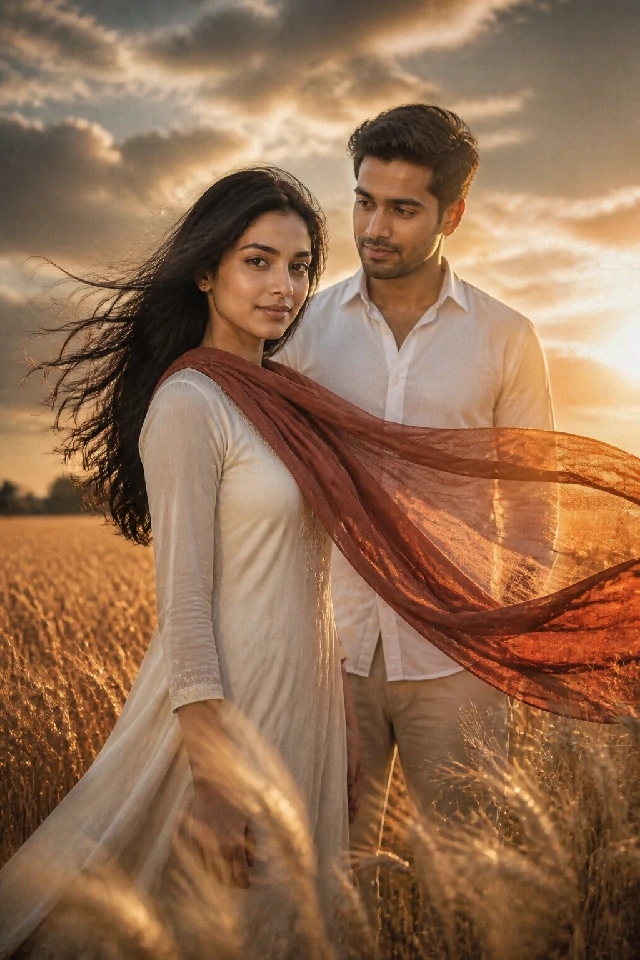
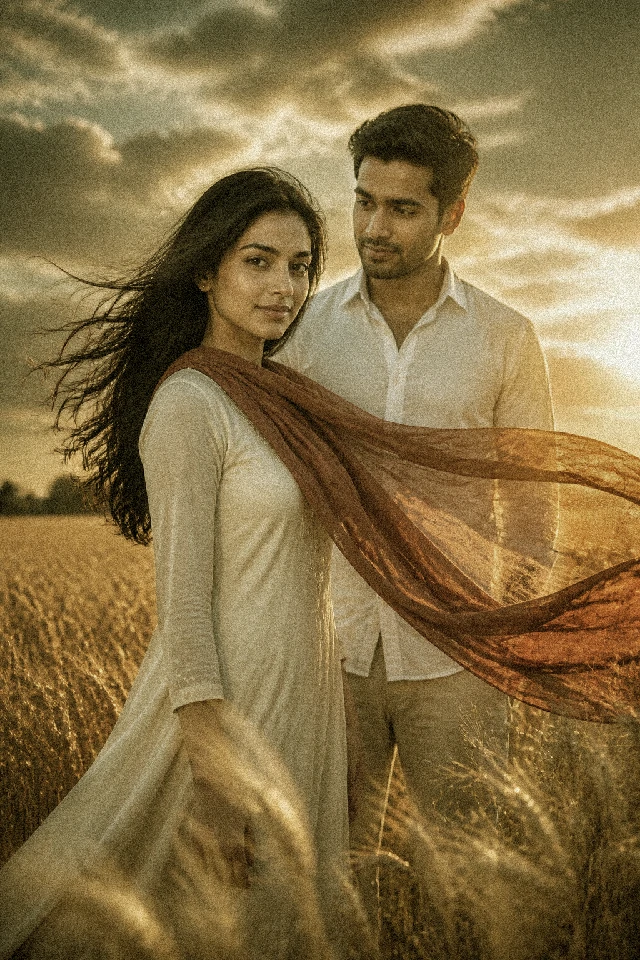
The travel shot × Vintage Film.
Warm tones, faded colors and film grain give the trip that shot-on-film nostalgia.
The nostalgia got too thick — bring back the real colors of the place.
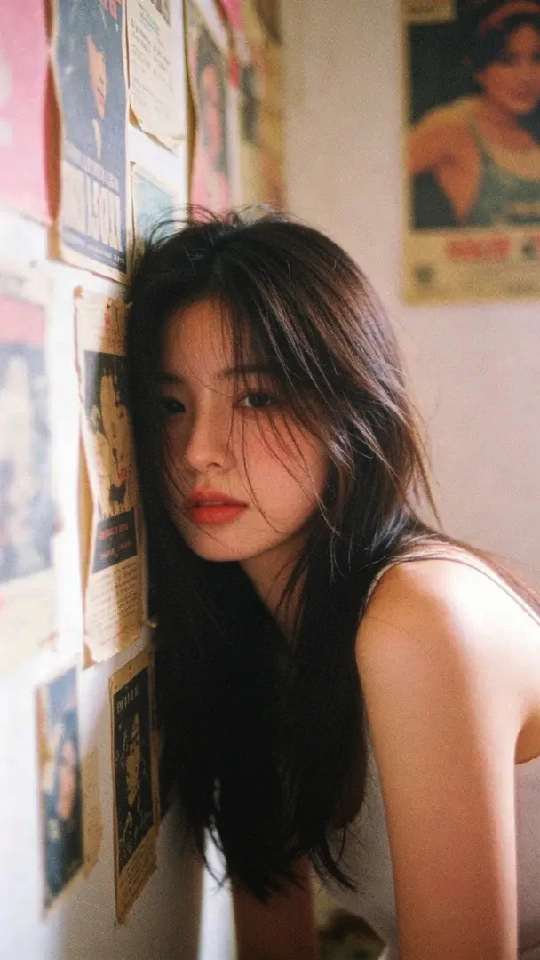
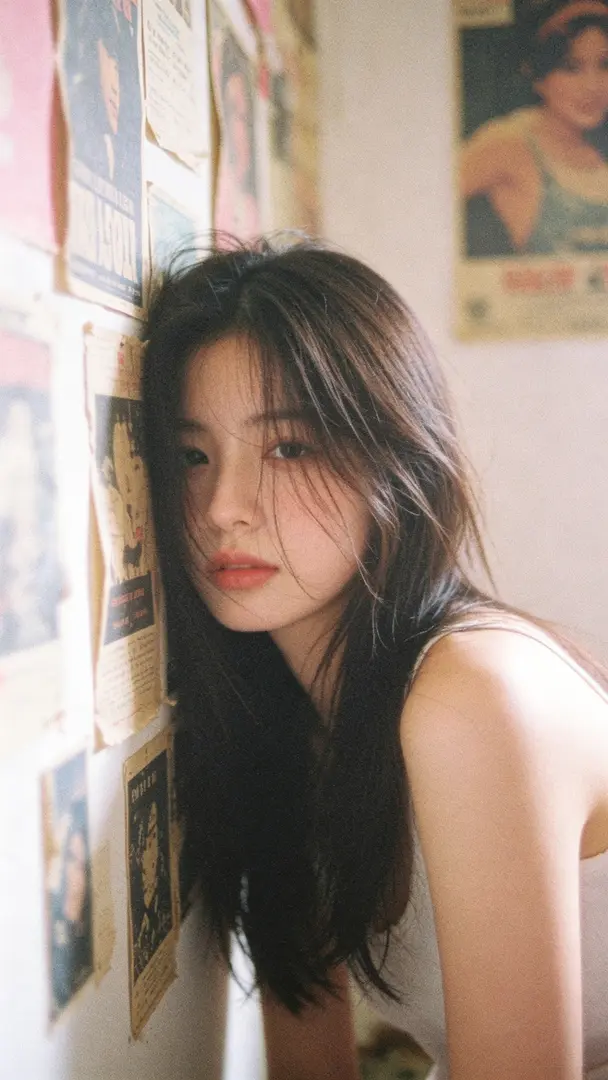
The selfie × Dreamy Glow.
Soft light and gentle haze for a dreamy, soft-lit portrait.
The glow went too far and the skin looks plastic — restore the natural texture.
For the Fun of It: Filters & Reveals
For the fun of itAnd some people just want their photos or videos to be funny. Every example has two punchlines: the filter, and the reveal.
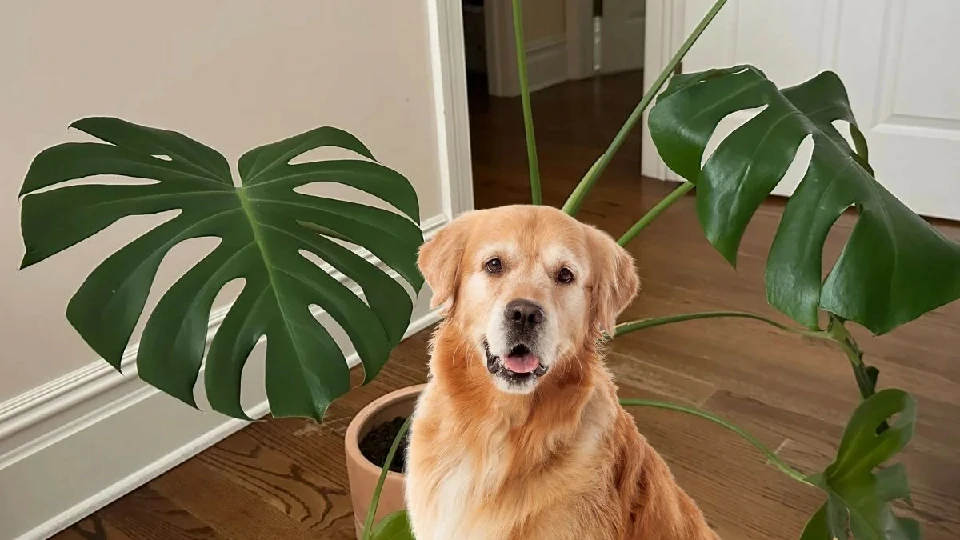
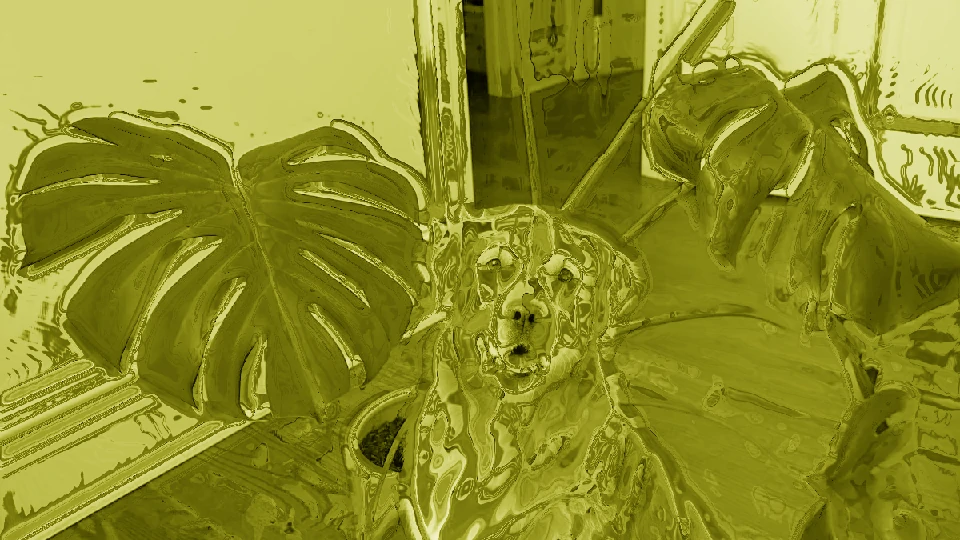
The dog × Matcha.
Your golden retriever becomes a matcha latte with a face.
Restore the real fur — and find out what the dog actually looked like under all that green.
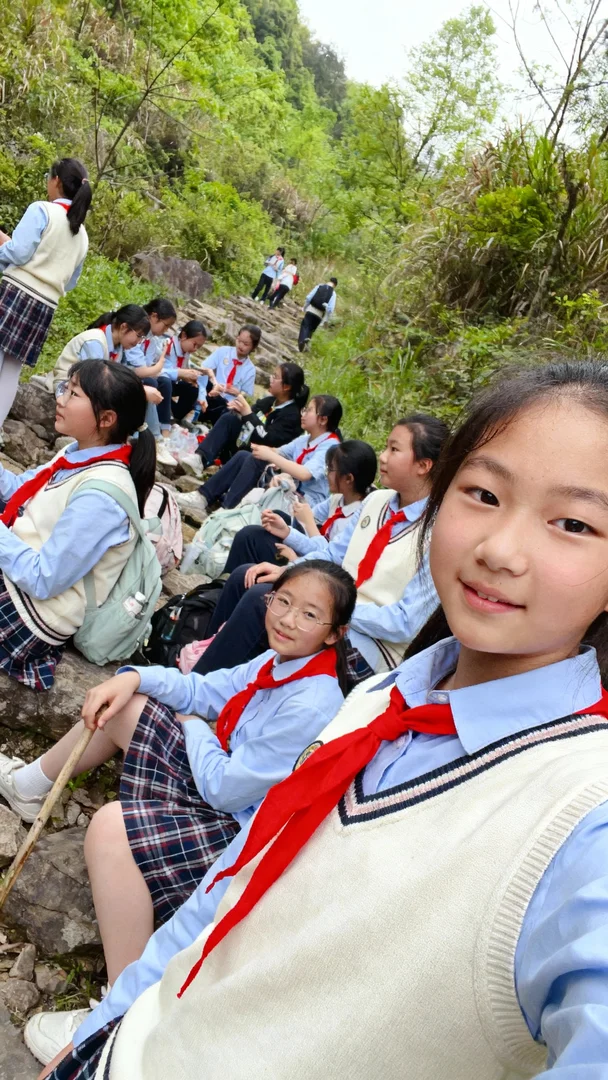
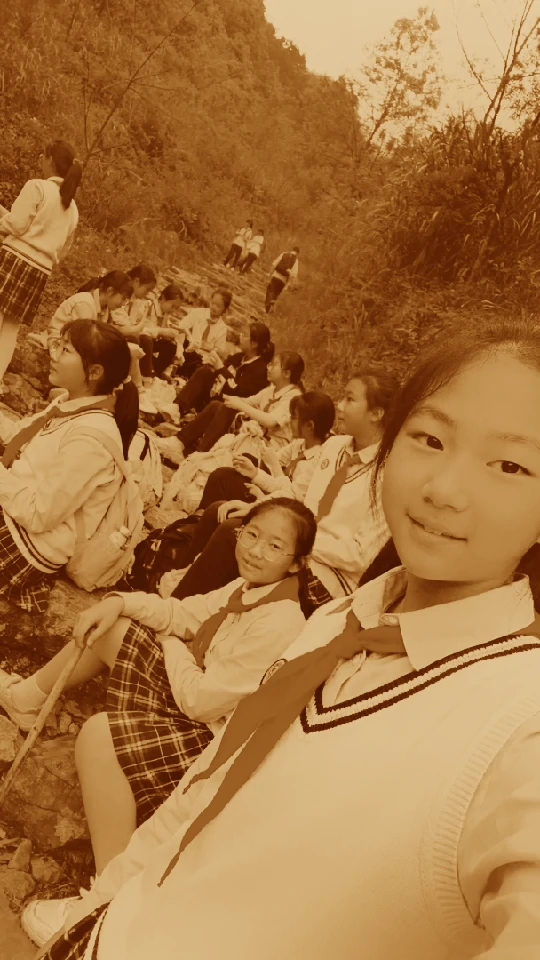
The graduation photo × Vintage Film.
Your class photo, but 1972. Sudden ancestors.
Bring the dignity back from the sepia — and yourself back to the present.
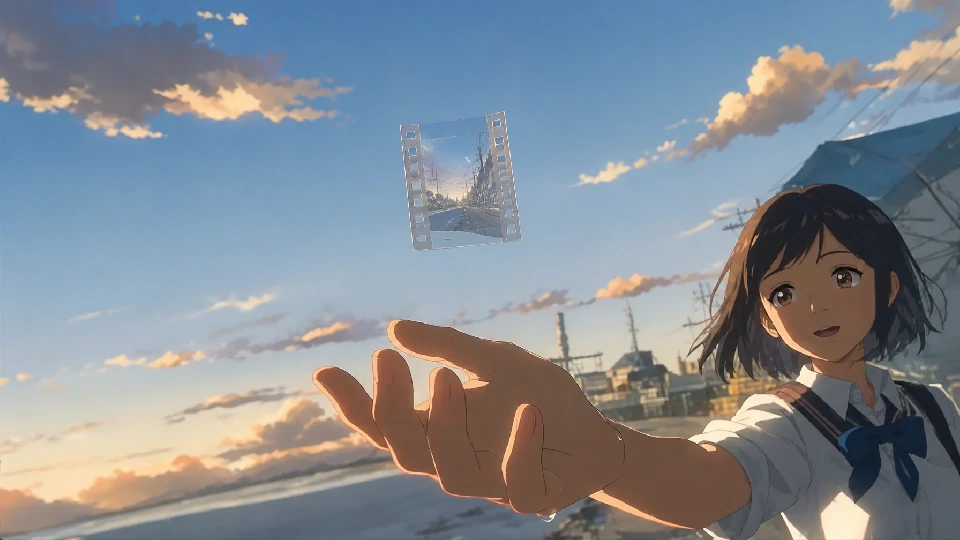
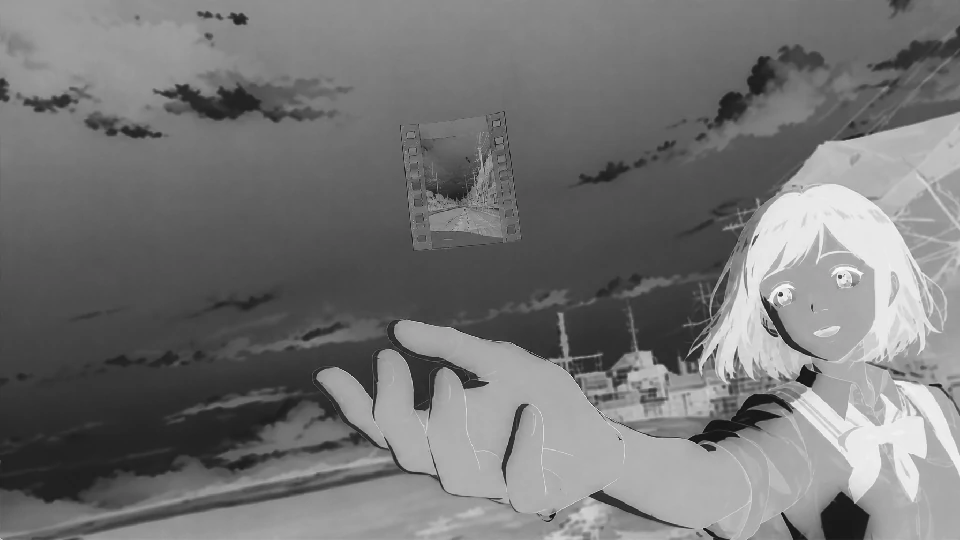
The group-chat screenshot × B&W.
The most unhinged screenshot, instantly serious art.
Color returns — and with it, the realization that it's still just a screenshot.
Who These Tools Are For
Who it's forWant in on the look?
Everyone's posting the matcha green right now and you want one of your own — fast, free, no account. Filter it, post it, done.
The aesthetic hunters.
Your photos and videos should have a mood, and you know which one. Pick a filter, get the look.
The restorers.
A friend's photo or video, an old scan, a worn family photo that got filtered, faded, or color-shifted somewhere along the way — you only have that version, and you want it back the way it should look.
The curious.
You've seen a hundred matcha photos and videos and you still wonder what's underneath. Upload one and find out — it's free, and it takes about a minute.
Whatever brought you here — adding, removing, restoring, or just looking — your photo or video ends up the way you want it.
Add a Filter to Any Photo or Video
AddLooking for a look instead? Pick a filter, upload a photo or video, and it's done in seconds — free, no account, nothing to install.
 Trending
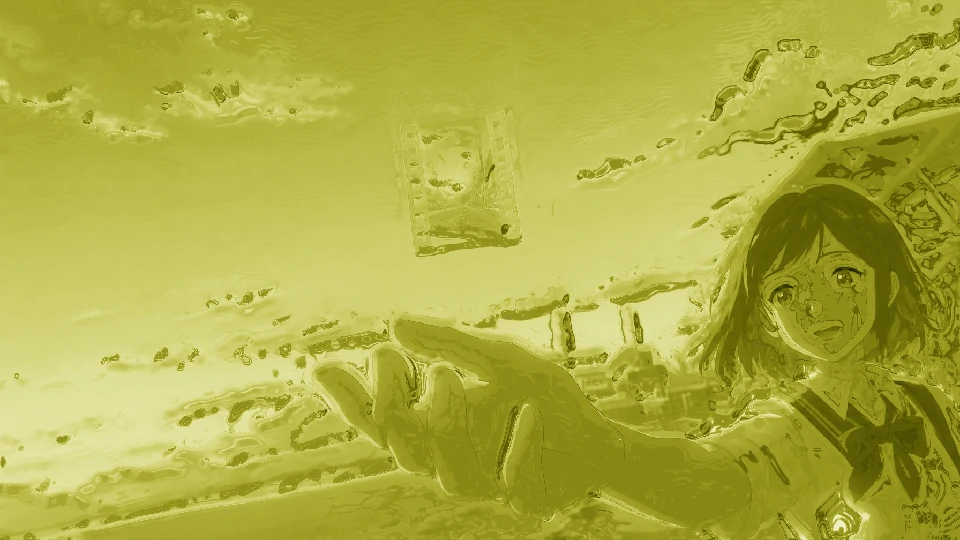
Matcha — (Apply matcha filter)
the viral green-toned look: soft, hazy, milky. Café fits, selfies, anything.
Vintage Film — (Apply vintage filter)
warm tones, faded colors, film grain, gentle vignette.
Fade
low-contrast, creamy, slightly muted. The quiet aesthetic.
B&W / Sepia
classic, timeless, always works.
Remove a Filter From Any Photo or Video
RemoveFilters are easy to add and hard to undo. Once a photo or video is exported with a filter, the original pixels are gone — there's no undo button anymore. That's what we're here for.
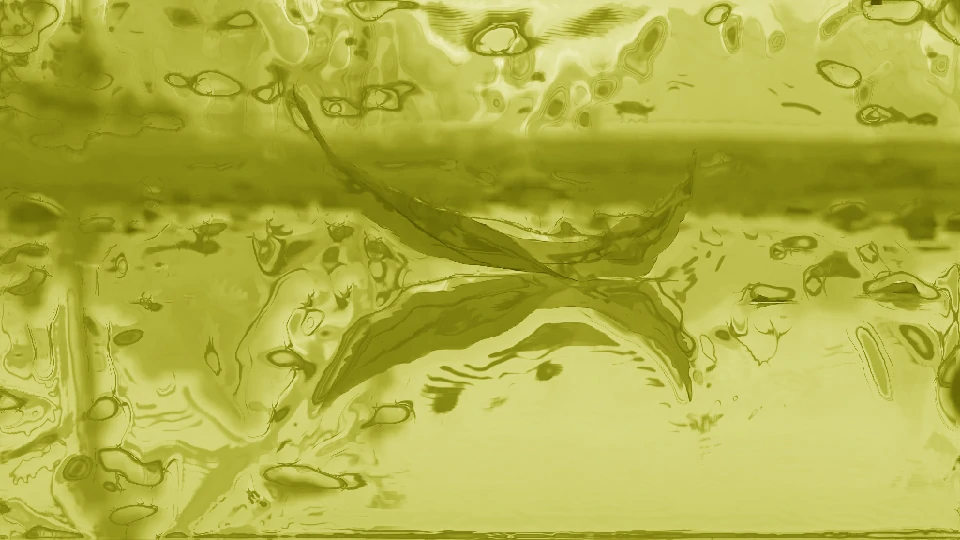
The matcha filter — (Remove matcha filter)
the viral green wash everyone's talking about. Turn matcha art back into a real photo.
Vintage and sepia filters — (Remove vintage filter)
bring the real colors back.
Black and white
restore the natural tones.
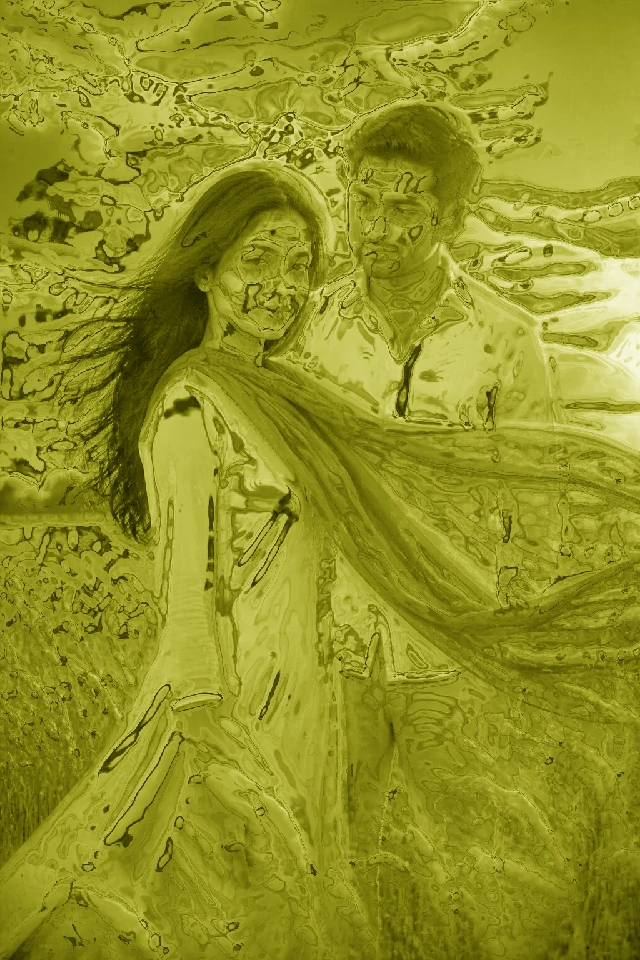
Any filter you didn't mean to keep
upload it, we'll restore it.
No matter which filter is on your photo or video, the fix is the same: upload, restore, compare, download. Honest note up front: this is reconstruction, not pixel-perfect recovery — the people, pose and scene come back; overwritten details are re-imagined. That's the honest limit of every tool that does this.
Why Use Our Tools
Why usFree right now.
No credits, no coins, no watermark. If pricing ever changes, you'll see it before you pay — nothing is charged silently.
No sign-up.
No email, no account — upload and go.
Your photos and videos are never stored.
Uploaded, processed, discarded. We don't store, sell, or train on anything you upload.
Works in any browser.
Phone or desktop, nothing to install.
Frequently Asked Questions
FAQWhat is this website?
An online filter tool for photos and videos, with two directions: remove a filter from a photo or video, or add one. Both are free, both run in your browser, and neither requires an account.
How do I remove a filter from a photo or video?
Upload the photo or video and we'll restore it — the matcha filter, vintage, B&W, whatever's on it. See the remove section above, or go straight to the removal tool.
How do I add a filter to a photo or video?
Pick a filter from the list above — Matcha, Vintage Film, Fade, B&W/Sepia, or Dreamy Glow — upload your photo or video, and download the result. It takes seconds.
What is the matcha filter?
The viral green-toned effect that washes photos and videos in a soft, milky green. On TikTok it's officially called "Wild Hearts Whisper." You can add it to your photos and videos here, or remove it if it's already on one.
Can you remove the matcha filter?
Yes — that's one of the most common requests we get. Upload a matcha-filtered photo or video and we'll turn it back into a natural-looking result. (Matcha filter remover)
Is it really free?
Yes — free right now, no sign-up, no watermark, no credit card. If we ever add limits or paid plans, you'll see it before you upload anything — we won't slip charges in silently.
Do you store my photos or videos?
No. Your photo or video is processed and discarded. We don't store, sell, or train on anything you upload.
Do I need to create an account?
No. No email, no account, no app — just upload and go.
Can I use it on my phone?
Yes. Everything runs in any browser — iPhone, Android, desktop.