 Filter Remover
Remove Matcha Filter: Turn Matcha Art Back into a Real Photo or Video


Drop your matcha photo or video here, or click to upload
No sign-up. Free. Your photos are never stored.
Upload a matcha-filtered photo or video and get it restored — free, no sign-up, and your files are never stored.
What You'll Get Back
What you'll getHere's what reconstruction actually returns:

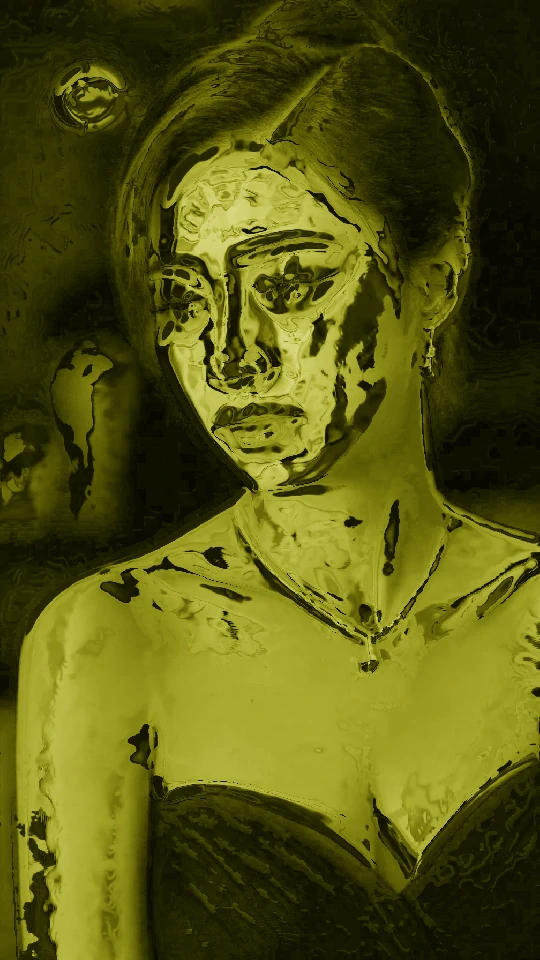
The people come back.
Faces, expressions, pose — the person stays recognizable. This is the part that matters most, and it's where the AI does its real work.

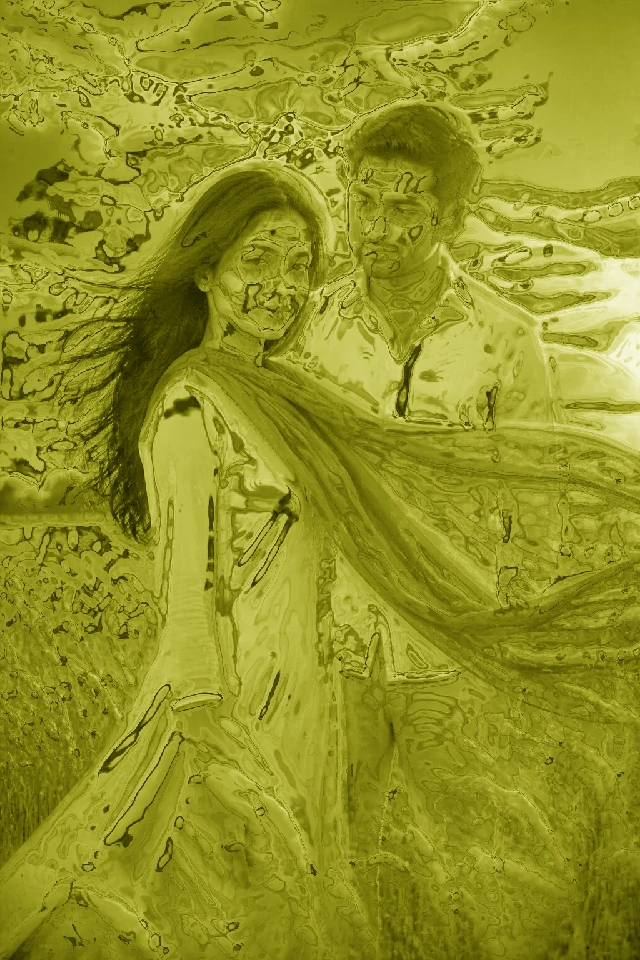
The scene comes back.
Background, composition, framing survive the restore. The photo or video still looks like the same moment.
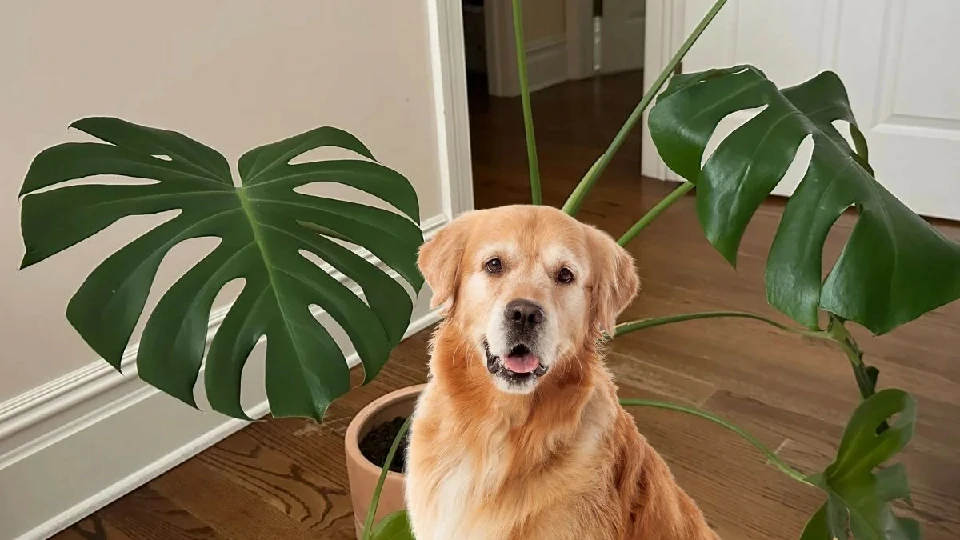
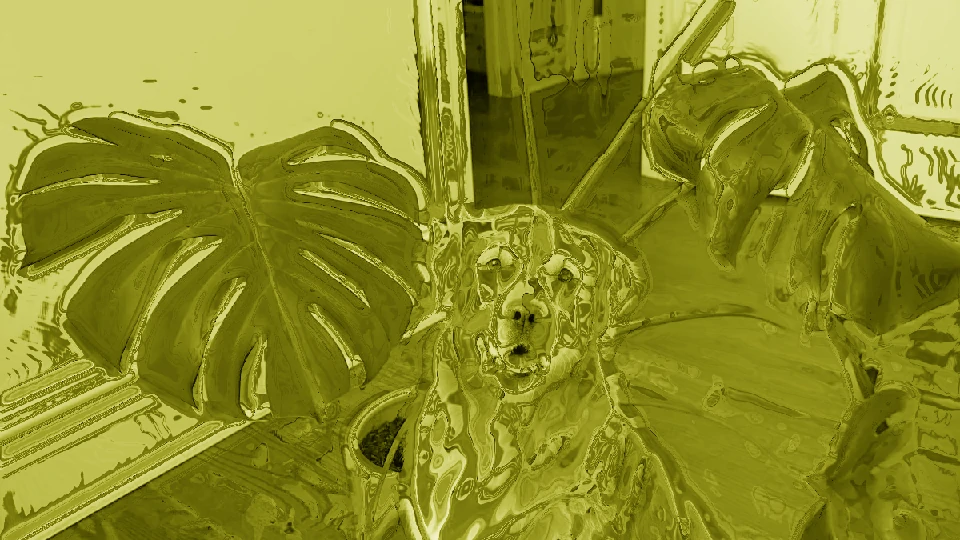
The texture comes back.
Skin, hair and fabric are rebuilt to look natural — not plastic, not painted-over.
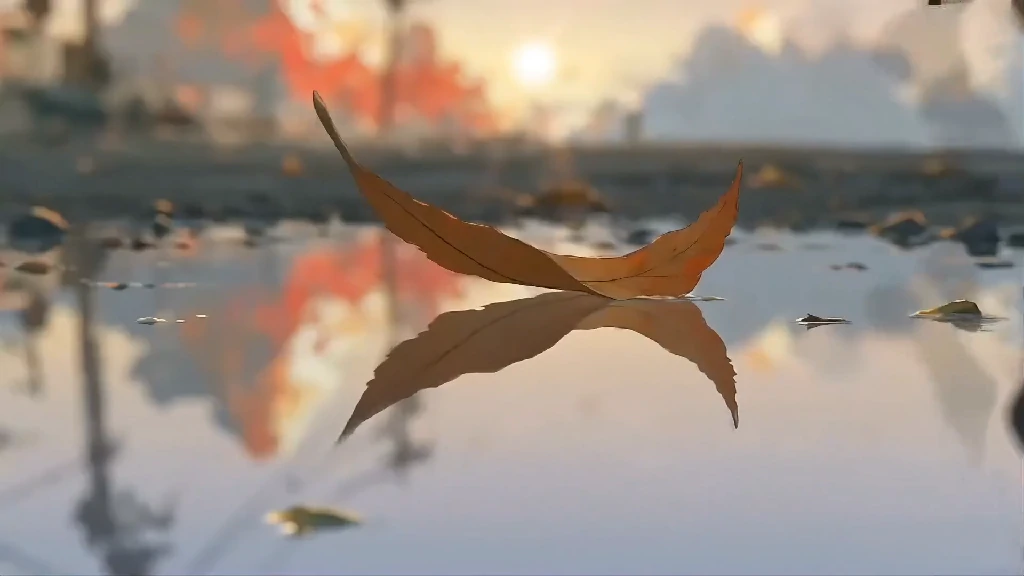
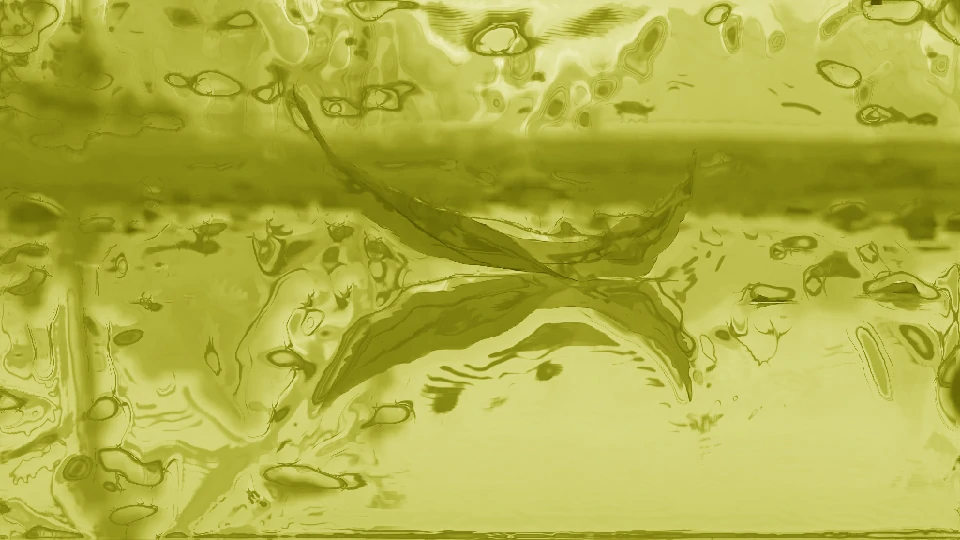
Small details are re-imagined.
A logo, a pattern, small text — rebuilt to look plausible rather than copied. Remember: overwritten pixels can't be recovered, by anyone.
The goal is a photo or video you'd be happy to keep, share, or post — not a forensic copy of something that no longer exists.
Before & After Gallery
Before & afterSome restorations are more dramatic than others. The reveal is the point — and the bigger the matcha wash, the bigger the reveal. Here's what people are restoring, and what the reveal looks like:
Selfie portrait.
The most common one. Matcha washes a face into a green blur — the restore brings the face back, with natural skin and expression. People post these to their profile: "the filter came off."
Couple photo.
A matching matcha'd couple back to two recognizable people. Big favorite — the reveal gets shared as a pair.
The serious portrait.
Graduation photo, formal family photo, ID-style headshot — the more dignified the original, the funnier (and more dramatic) the restore.
Pet photo or video.
A matcha'd dog or cat back to its actual fur. Impossible not to share.
Café fit photo or video.
The matcha'd coffee-shop outfit back to its real colors — the aesthetic survives, the green doesn't.
Group photo.
The whole squad back from the green. Everyone gets their face, their clothes, their actual hair.
Gallery note: the before/afters shown here are generated with our own tool from real photo types people restore. If your photo or video isn't here, it still works — upload it and see.
Curious what's under your matcha photo or video? That's the whole point of this tool.
How It Works
A minute or twoIt takes about a minute.
- 1
Step 1 — Upload the matcha photo or video.
Any photo or video with the filter — a screenshot, a saved video frame, a sent image. JPEG, PNG or a common video format.
- 2
Step 2 — Let the tool restore it.
Photos get an AI reconstruction; videos are restored locally in your browser. Photos take about 30 seconds to a couple of minutes; videos process as fast as your device can render frames.
- 3
Step 3 — Compare and download.
Side by side, before and after. Then download the restored photo or video, with no watermark.
Can the Matcha Filter Be Removed?
Straight answerYes— with one honest caveat.
When a filter is applied and the photo or video is exported, the original pixels are gone. There's no undo, no hidden copy. So removing a matcha filter isn't “recovery” — it's reconstruction. The AI rebuilds what the photo would have looked like: the same people, the same pose, the same scene, with natural skin, fabric and light rebuilt in.
What that means in practice
Faces, poses and composition come back convincingly.
The person in the photo or video stays the person.
Small details are re-imagined, not restored.
A pattern on a shirt, text in the background — those are rebuilt to look plausible. No tool can recover pixels that were overwritten.
If you're looking for a pixel-perfect copy of the original — no tool can do that, and anyone who claims otherwise is selling you a dream.
If you're looking for your photo or video back — the people in it, the moment it captured, the way it should look — that's exactly what we do.
Why People Remove the Matcha Filter
Why people comeMost people come to us for one of three reasons:
You only have the matcha version.
A friend sent it to you. You saved the filtered one and the original is gone. You want the real photo or video back — for the record, for the memory, for yourself.
You want to restore a photo or video — yours or someone else's.
Your own photo or video got matcha'd and you want the natural look back. Or a friend's photo, a family photo, an old scan that someone ran through the filter. You didn't lose the original — you just want it back.
You're just curious.
What did it actually look like under all that green? That's a completely valid reason. The reveal is half the fun.
Whatever brought you here, the fix is the same:
- upload
- restore
- compare
- download
Ready to Get Your Photo or Video Back?
Get your photo or video backDrop your matcha photo or video here, or click to upload
No sign-up. Free. Your photos are never stored.
- Upload
- Restore
- Compare
- Download
The Features of Our Matcha Filter Remover.
Free right now.
No credits, no coins, no watermark on your result. If pricing ever changes, you'll see it before you pay — nothing is charged silently.
No sign-up.
No email, no account — upload and go.
Your photos and videos are never stored.
Uploaded, restored, discarded. We don't store, sell, or train on anything you upload.
Works in any browser.
Phone or desktop, nothing to install.
- Most removal tools charge per photo or video, or push you into an app, or only offer a rough “reduce the green” pass. We do a full AI reconstruction, for free, in your browser.
Your photo or video, back to normal, in about a minute.
Frequently Asked Questions
FAQCan the matcha filter be perfectly removed?
Honestly: no — and neither can anyone else's. Once a filter is applied and exported, the original pixels are gone. What AI reconstruction gives you is the same people, pose and scene with natural textures rebuilt — the photo or video “as it should look,” not a pixel-perfect clone. We show you exactly what you'll get before you commit.
Is this the same as removing the effect inside TikTok or CapCut?
If the effect is still in your draft, yes — TikTok and CapCut can remove it with a tap, no tool needed. Once you've exported the video or photo, there's no undo anymore — that's where we come in.
How long does it take?
Usually 30 seconds to a couple of minutes, depending on the photo or video.
Do you store my photos or videos?
No. Your photo or video is processed and discarded. We don't store, sell, or train on anything you upload.
Is it really free?
Yes — free right now, no sign-up, no watermark, no credit card. If we ever add limits or paid plans, you'll see it before you upload anything — we won't slip charges in silently.
I only have the matcha version — the original is gone. Can you still help?
Yes — that's exactly what this tool is for. You don't need the original to get a restored photo or video.
Can you remove the filter from a video?
Yes — videos are restored in your browser with a color-reversal pass: it pulls the matcha green back to neutral and rebuilds contrast and saturation. It won't be pixel-perfect (the original colors are already gone), but it gets you a watchable video without sending it to a paid AI service.
I actually want to add the matcha filter, not remove it.
That's the other direction — we do that too. Try our matcha filter tool.