 Filter Remover
Make Any Photo or Video Look Old — Vintage Photo & Video Filter
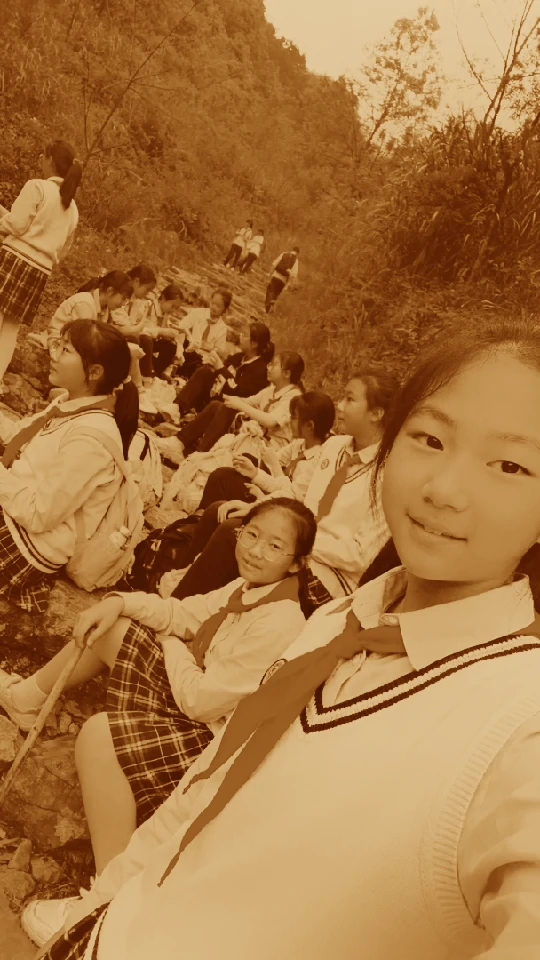
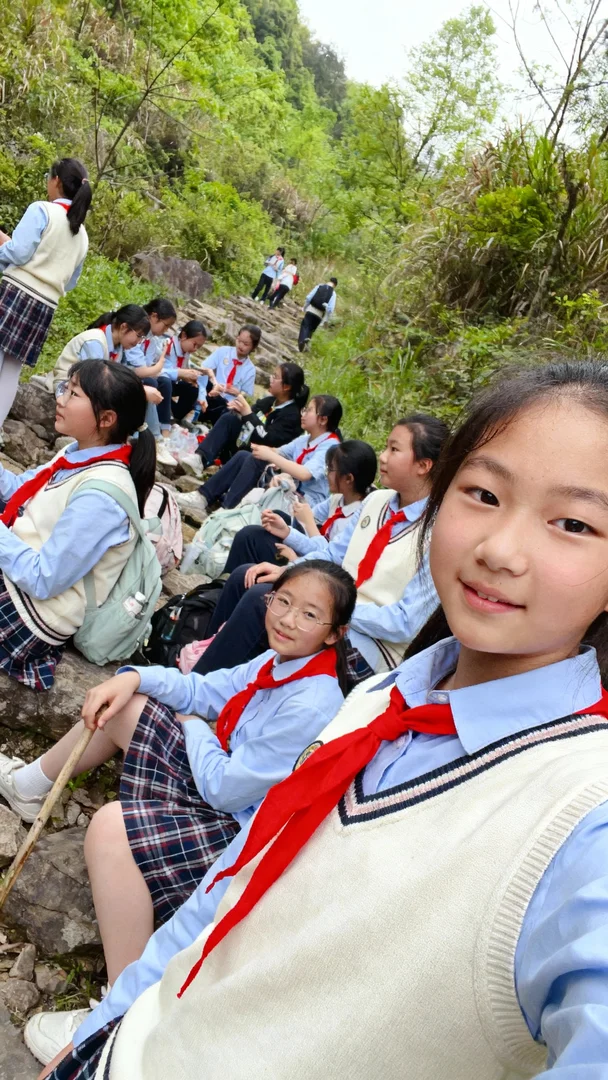
Drop your photo or video here, or click to upload
No sign-up. Free. Your photos are never stored.
This vintage filter gives any photo or video the look of real film — the faded colors, the grain, the scratches, the light leaks — without any editing skills, without buying film, without installing anything.
Vintage Photo Effects
Before / afterBelow are three examples. Each shows the same photo before and after — same shot, same composition, the only difference is the effect.
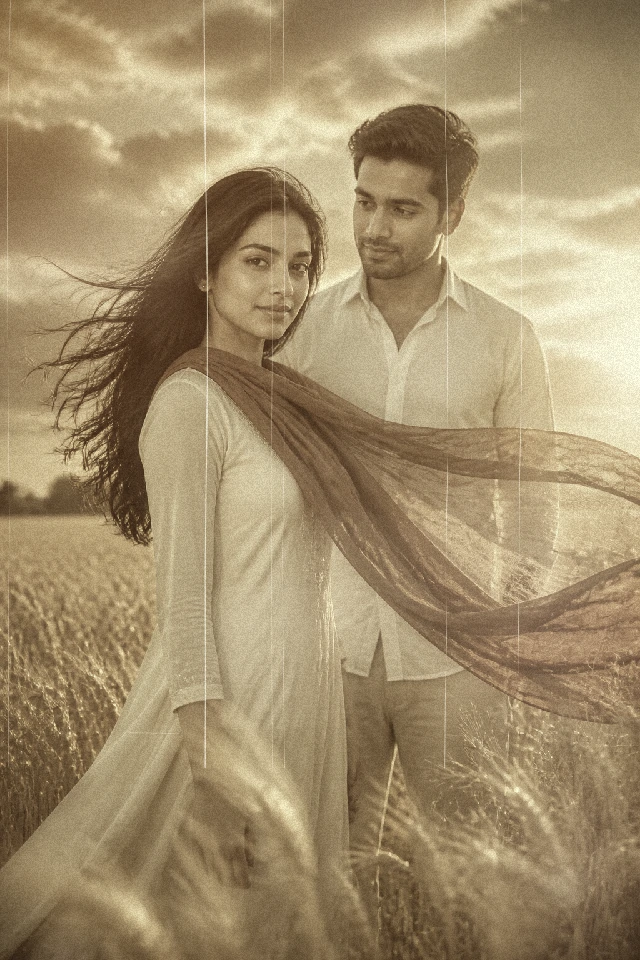

Portrait — 1970s
Fades colors, lifts shadows, and washes the photo in warm sepia-brown tones with fine film grain. The palette of a family album print from the seventies.
Best on portraits, family photos, and warm, candid moments.
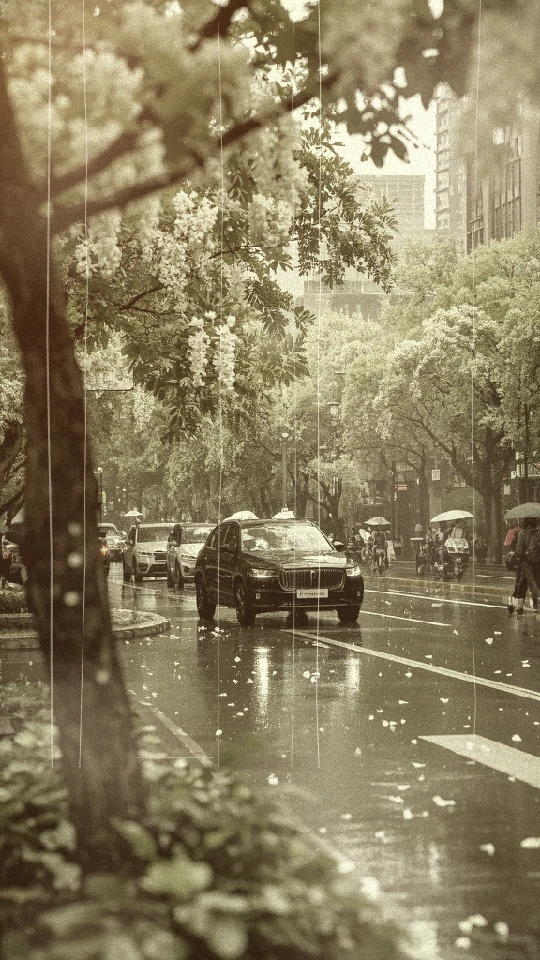
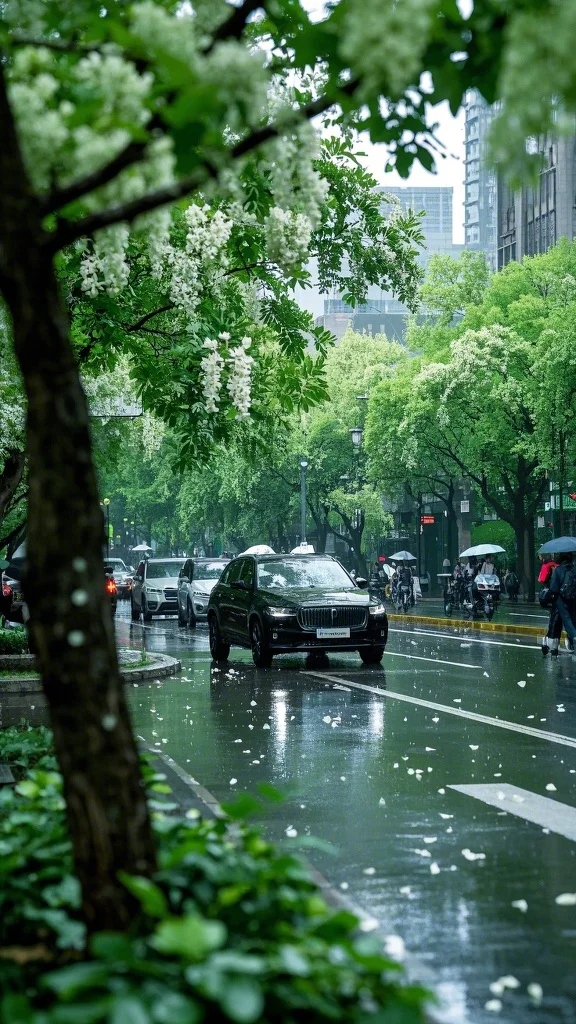
Street Scene — 1960s
Pulls saturation down, adds grain, and darkens the edges with a vignette. Muted, reportage-like colors — the way documentary photography of the sixties was shot.
Best on street photography, architecture, and everyday scenes.
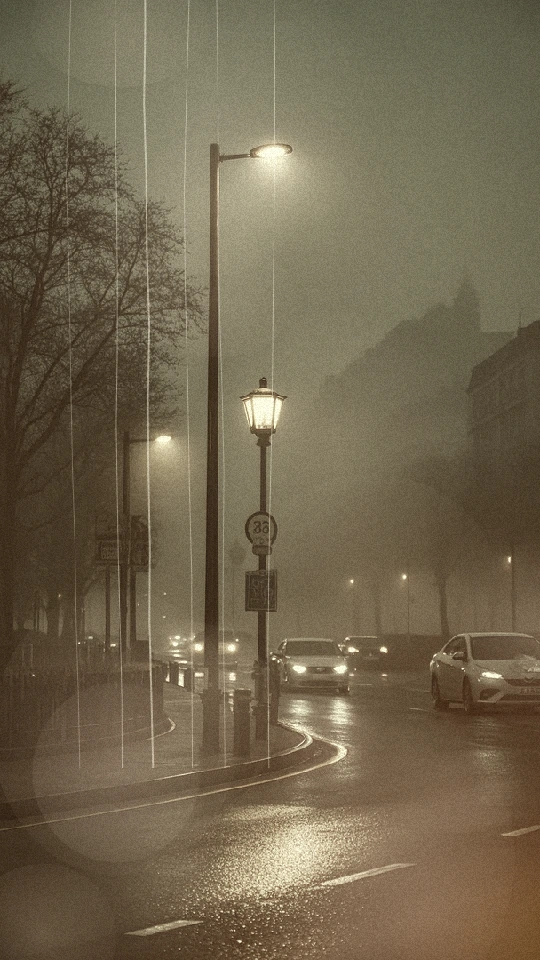
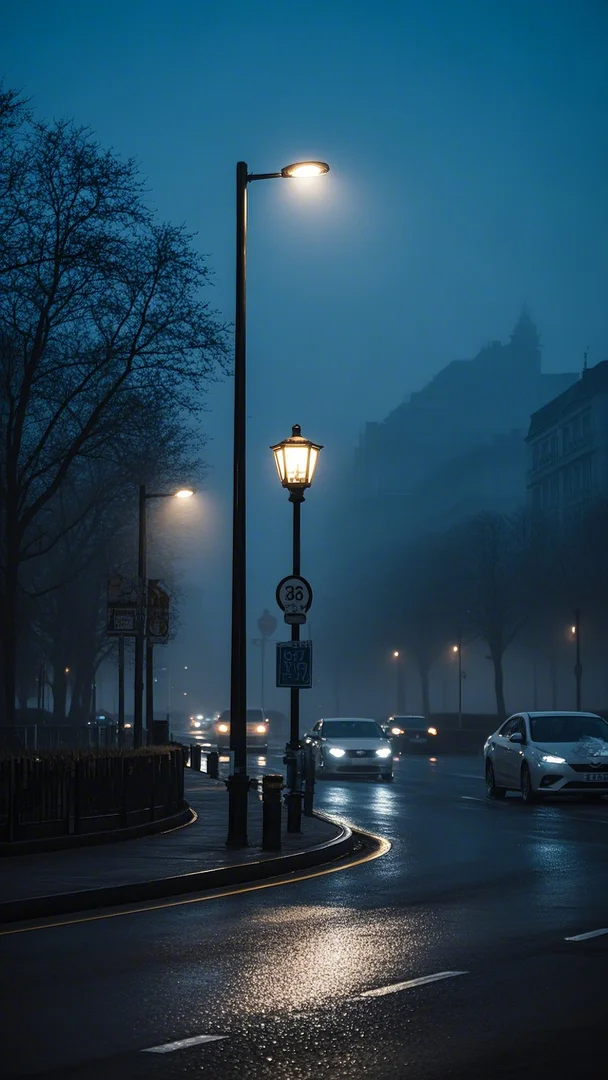
Night Scene — 1998
Adds random light leaks, fine scratches, and raised contrast. The look of a disposable camera from the late nineties — flash-harsh highlights, skewed colors, a scratched surface.
Best on night shots, parties, city lights, and any photo where a little imperfection is the point.
Photographs and videos taken with a phone or a digital camera don't have to look like they came from a phone or a digital camera. Upload a photo or video, pick an effect, export. That's the whole workflow. What you get is a photo or video that looks like it was shot on film decades ago, taken in seconds on whatever device you already own.
Effects
Six effectsSix effects, each doing one thing well. Every effect can be applied to any photo or video, and effects can be combined — grain with light leaks, fade with scratches — to build a look of your own.
Fade
Lowers the saturation and softens the contrast so a photo or video looks aged rather than washed out. This is the effect that makes a photo or video feel old — colors that have quietly lost their intensity over time, instead of colors that were deliberately muted.
Film Grain
Adds the fine texture of developed film. Grain covers the digital sharpness that makes phone photos and videos look unmistakably digital, and gives the image a more organic, physical feel — like light hitting silver halide instead of a sensor.
Vignette
Darkens the edges of the frame and draws the eye toward the center. It reproduces the natural falloff of old camera lenses and gives a photo or video a quiet, focused atmosphere — useful for portraits and any scene where the subject should sit firmly in the middle of attention.
Scratches
Adds fine scratches and dust marks across the surface — the wear film picks up over years of being handled, put in drawers, taken out and looked at. It's the physical evidence of age, the detail that makes a photo or video read as an old object rather than a new file.
Light Leaks
Adds random streaks of color — reds, oranges, purples — where light would have bled into a film camera through a faulty seal. The effect is authentic to the point of being unpredictable: the leaks land differently on every photo and video, so each export is unique.
Sepia
Washes the photo or video in warm brown tones, the way photographs from the early twentieth century turned brown as they aged. It strips the image down to a single warm palette and gives it the quiet, faded dignity of a very old picture.
Input and output: JPG and PNG photos, and MP4, WebM and MOV videos. Exports come out at the same resolution as the original — nothing is downscaled.
How to Use
Three stepsUpload a photo or video, pick an effect, export. That's the whole workflow.
- 1
Step 1 — Upload a Photo or Video
Open the tool in your browser, on your computer or your phone. Drag a photo or video in, or pick one from your files. JPG and PNG photos, MP4, WebM and MOV videos all work.
- 2
Step 2 — Pick an Effect
Choose from the six effects above. You'll see the result immediately — there's no guessing, no trial and error, no hidden settings. If one effect isn't the look you want, pick another; it takes a second to switch.
- 3
Step 3 — Export
Download the finished photo or video at its original resolution, ready to post, print, or drop into whatever you're working on.
Where to Use It
Where it worksAnywhere a photo or video needs to feel like it was taken, not generated.
Social Feed
A consistent look across your feed is what makes an account recognizable. Apply the same effect to every photo or video you post — portraits, travel, everyday scenes — and the feed reads as one coherent body of work instead of a random collection of phone snapshots. The retro look stands out against the bright, over-processed images that fill most feeds.
Video Cover / Thumbnail
Thumbnails decide whether a video gets clicked. A vintage cover — faded colors, film grain — looks different from everything around it, and different gets the click. Export a single frame, run it through the filter, and use it as the cover.
AI-Generated Images
AI-generated images have a characteristic cleanliness that reads as "AI." Film grain and faded colors add the texture of a real capture — a layer of imperfection that makes generated content look like it was actually photographed. Run AI output through the filter before posting, and it picks up the feel of a real film frame.
Prints / Postcards
A photo that looks like film belongs in your hands. Print an export as a postcard, a print for a wall, or a small album for someone — the vintage look turns a digital file into a keepsake, something with the weight of a memory rather than the weightlessness of a screen.
Who it's for: creators who want their content to look like film — and anyone who wants their photos and videos to feel older than they are.
Why Use This
Get the lookDrop your photo or video here, or click to upload
No sign-up. Free. Your photos are never stored.
- Upload
- Pick an effect
- Export
Why Use This
Free.
There is no paywall, no trial, no "premium" version. Every effect is available, no payment required.
No sign-up.
No account, no email, no login. The tool is the page — open it and it works.
Online.
It runs in your browser, on desktop or phone. Nothing to download, nothing to install, nothing to update.
Private.
Your photos and videos are processed and never stored. Nothing is saved on our servers, and nothing is used for anything else.
- That's it. There's no Photoshop to learn, no install, no account to create, no log in. If you can upload a photo or video, you can use it.
Frequently Asked Questions
FAQWill it look fake?
No. The effects are built to reproduce what film actually does — grain, faded color, vignetting, scratches, light leaks — and they stay close to what real film looks like. A filtered photo or video reads as old, not as fake.
Do I need Photoshop?
No. Upload a photo or video, pick an effect, export. There is nothing to learn — if you've ever uploaded a file, you already know how to use it.
Does it work on my phone?
Yes. It runs in your browser, so it works on a phone, a tablet, or a desktop. There is no app to install.
Do I need an account?
No. There is no sign-up and no login. Open the page and use it.
Are my photos or videos stored?
No. Your photos and videos are processed and not saved. Nothing is kept on our servers after the job is done.
Is this the same as old photo restoration?
No, and it's worth being clear about the difference. This tool makes modern photos look like vintage film photos — it ages them. Restoration is a separate thing entirely: repairing old, damaged photographs so they look new again. If you want to restore a damaged old photo, this is not the tool for that. If you want a new photo to look old, it is.
How is this different from just using Instagram filters?
Filters are fixed looks applied on top of a photo. These effects are built from the actual properties of film — the grain structure, the way colors fade, the way light leaks through a camera body, the scratches a printed photo collects — and they can be combined freely. It's the difference between a sticker and a material.